 GrillMate
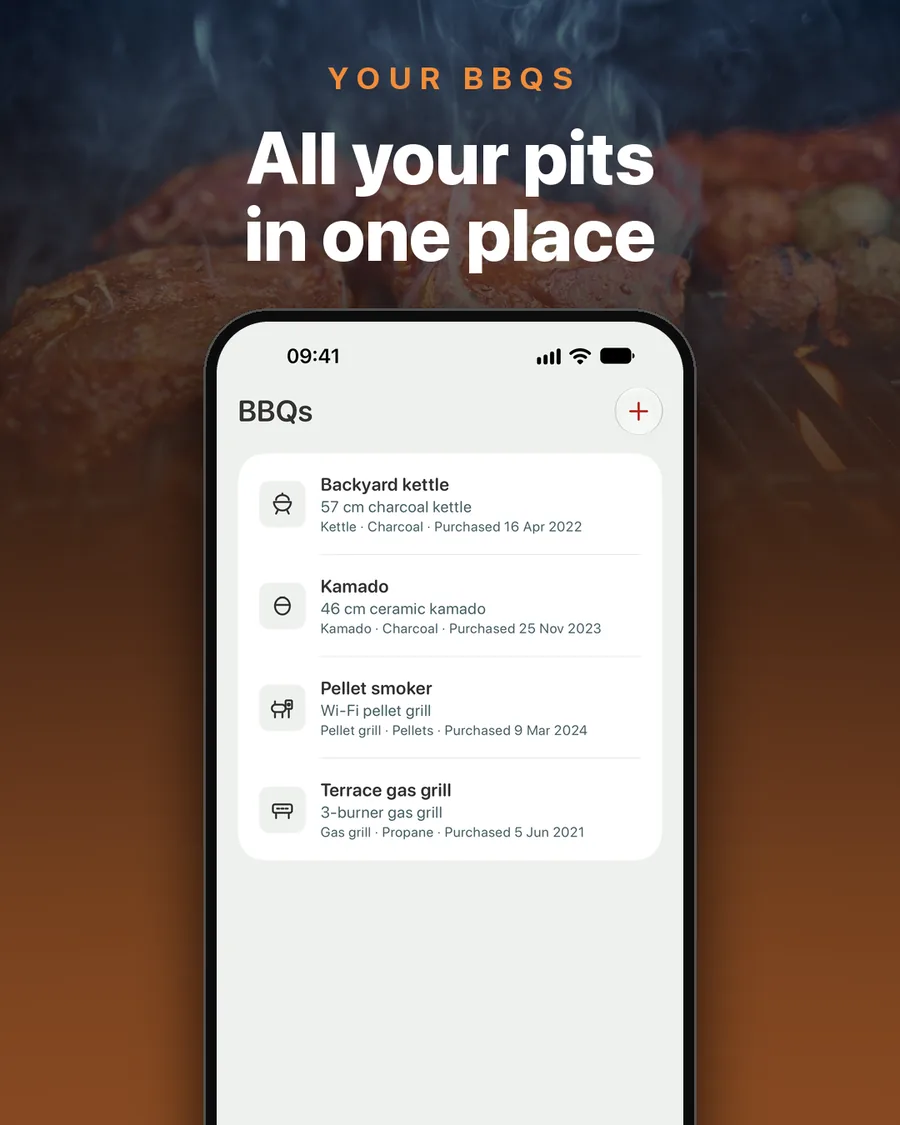
Devices
Every grill you own, one list
Grills, smokers, kamados and planchas: brand, model, type, fuel, grilling area and purchase date. Pick the right one for every cook.
The barbecue logbook for iPhone and iPad
Log every cook, keep track of your grills and save the recipes you want to make again. No account, no ads, no tracking.

Your data stays on your device and in your iCloud.
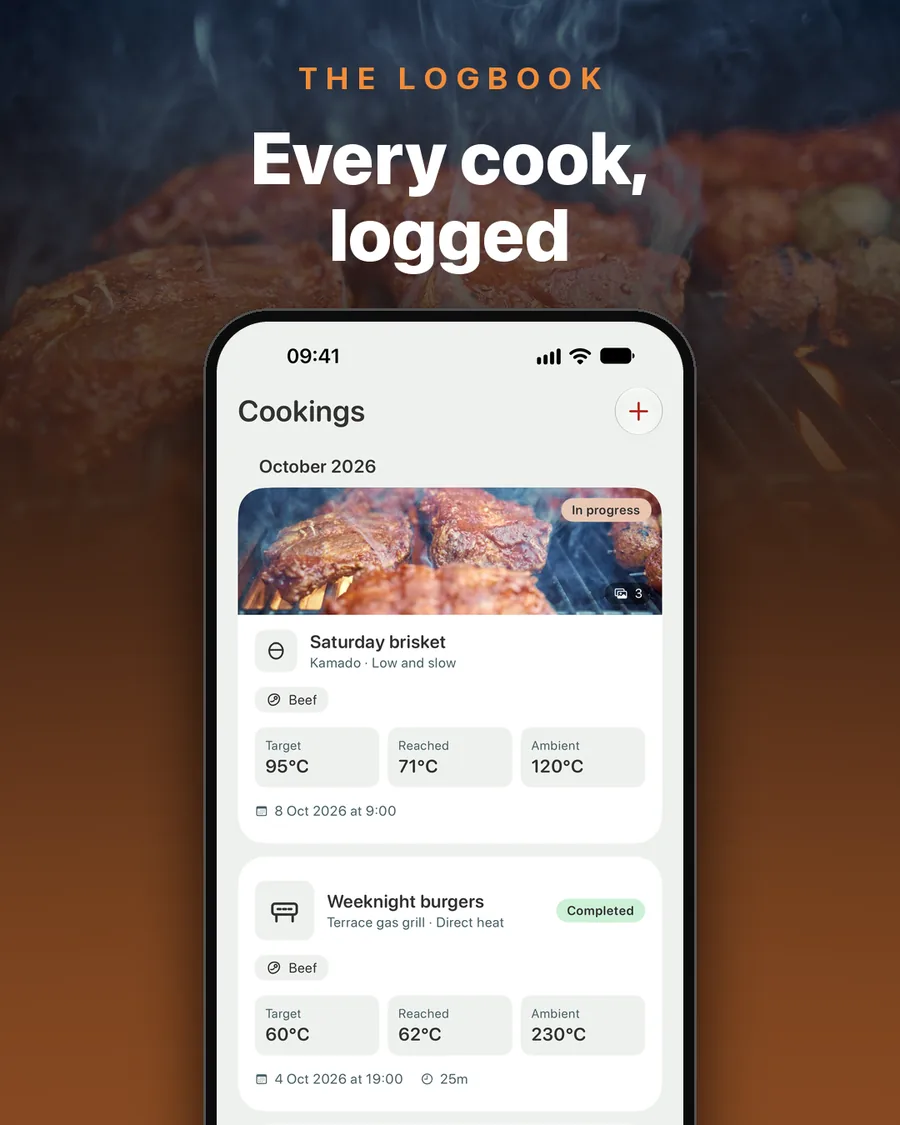
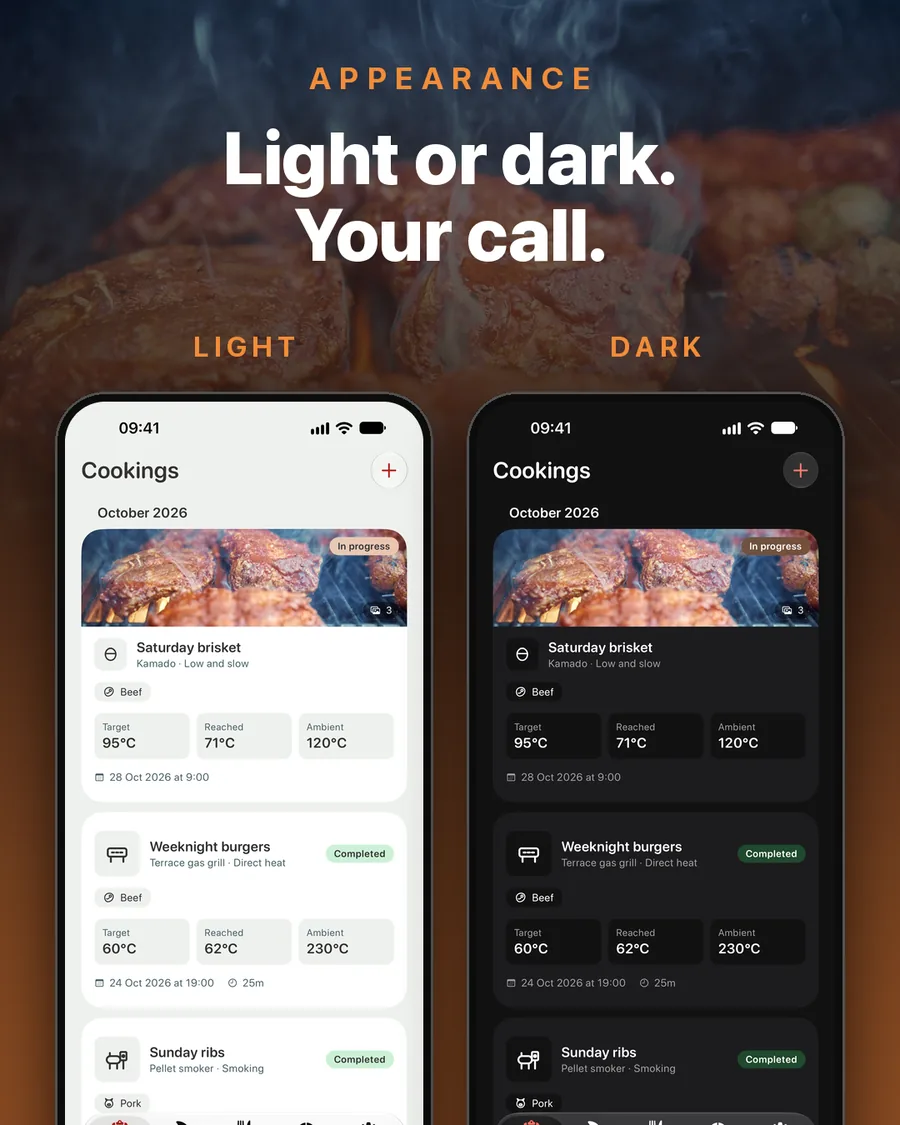
Follow every cook from planned to completed, with proteins, technique, times, target, reached and ambient temperatures, notes and up to 3 photos.
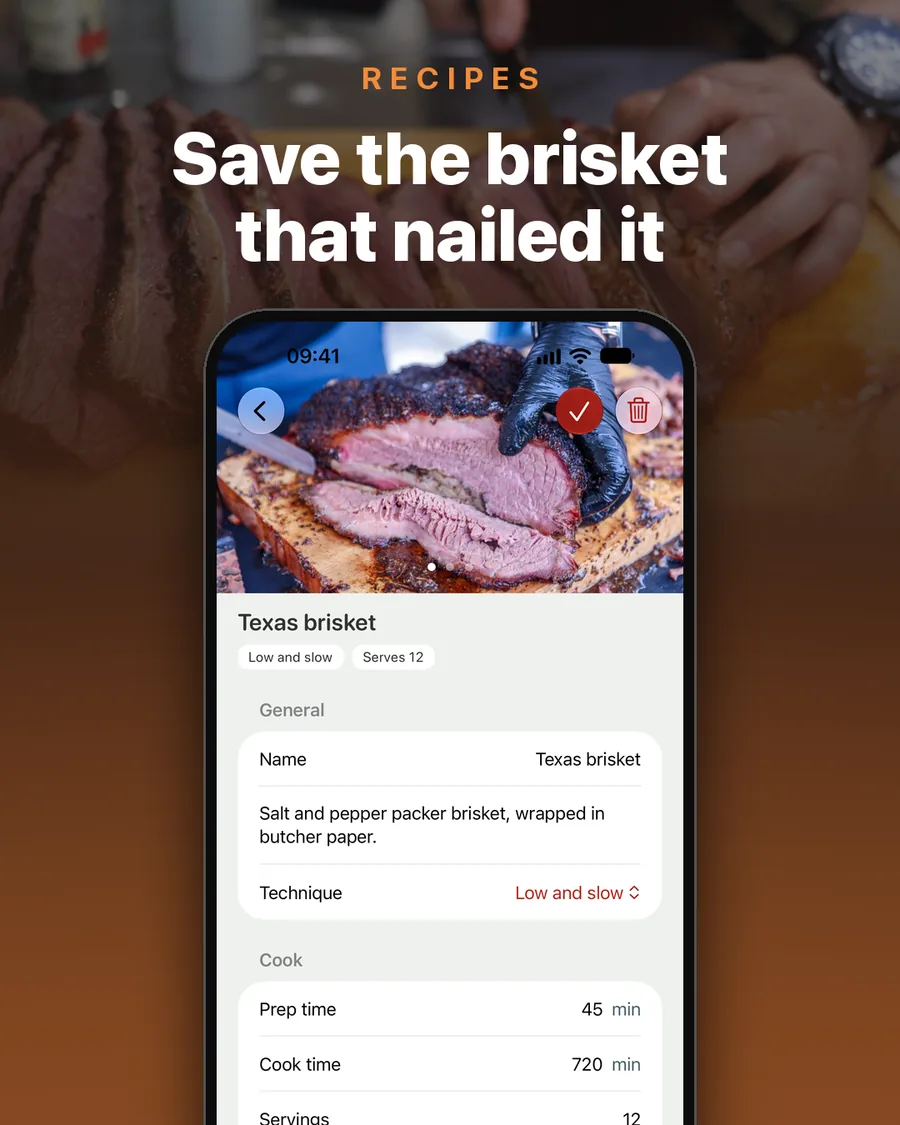
Ingredients with quantities and units, ordered steps, prep and cook time, servings, target core temperature and photos.
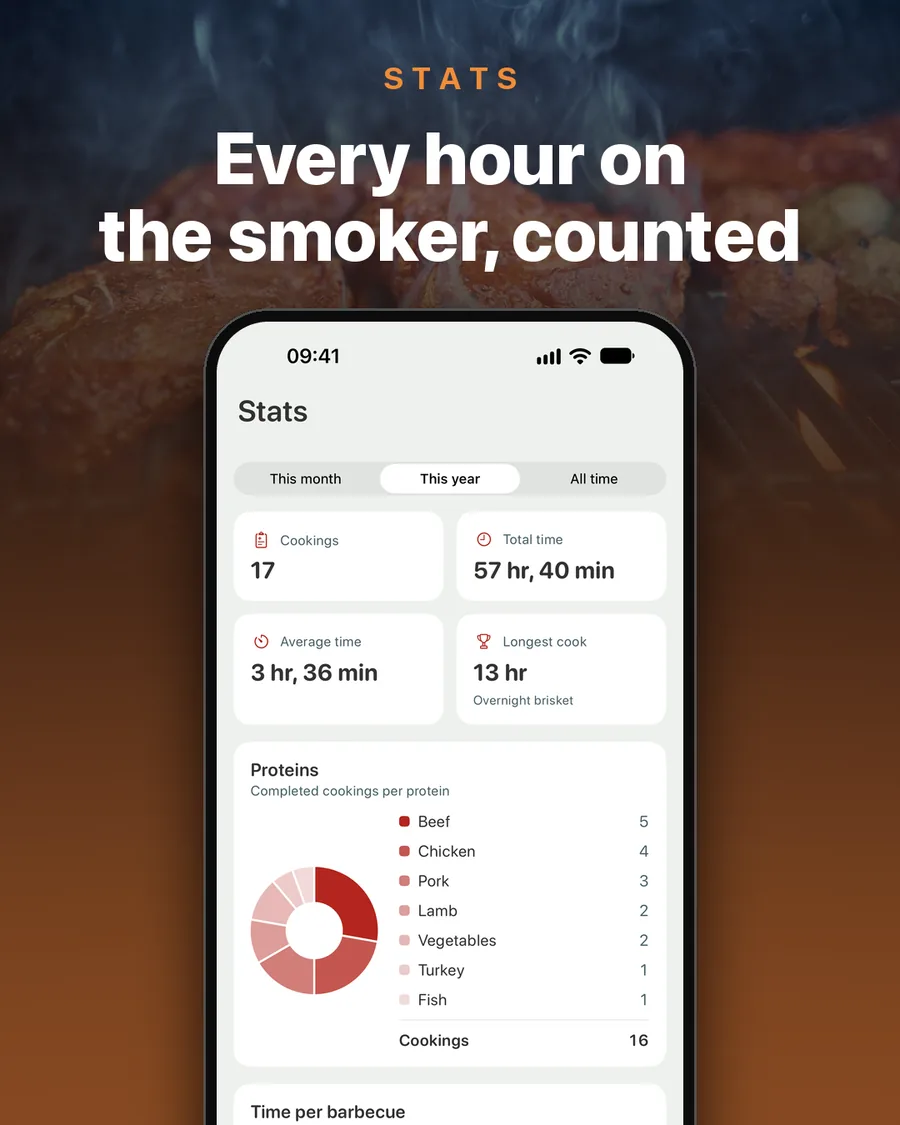
See how you cook: number of cooks, total, average and longest cooking time, and charts by protein, technique and barbecue.
Devices
Grills, smokers, kamados and planchas: brand, model, type, fuel, grilling area and purchase date. Pick the right one for every cook.
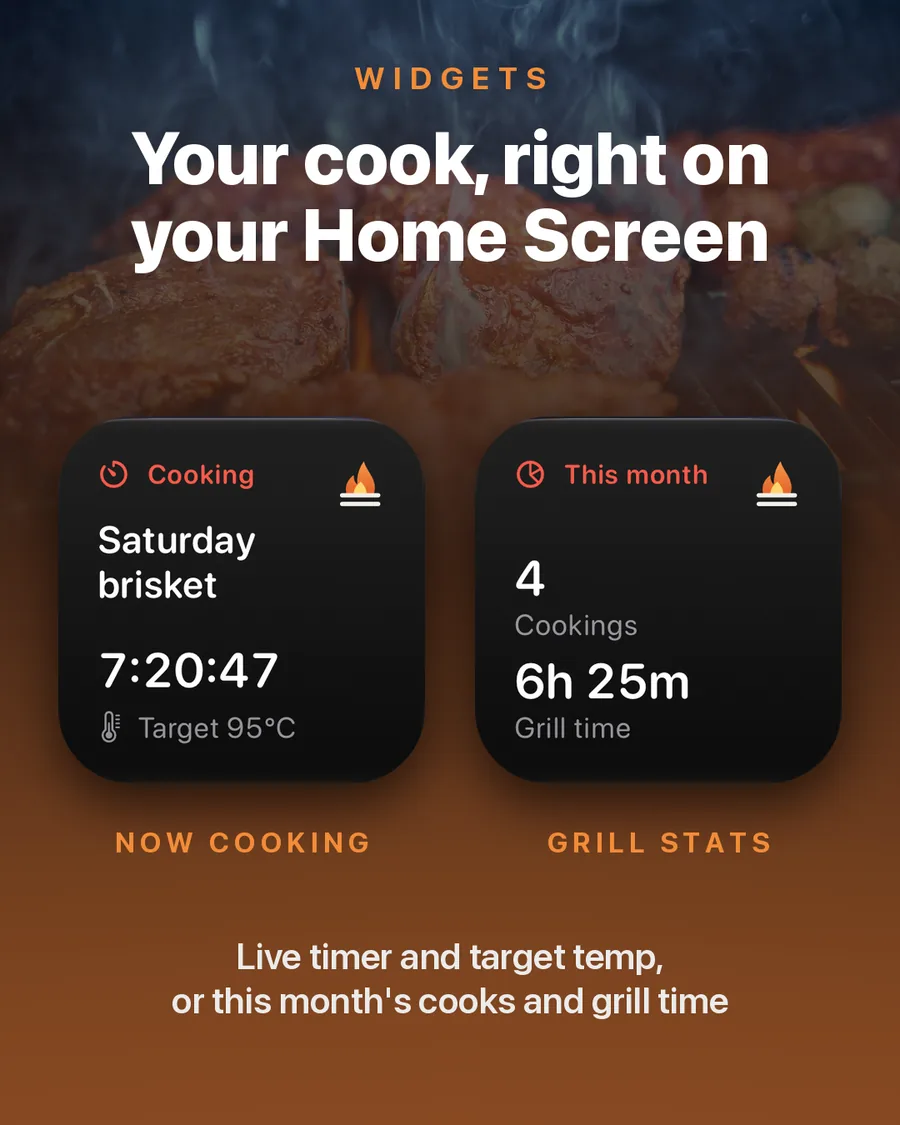
Widgets
The Now cooking widget shows the cook in progress with a live timer and its target temperature, or your next planned cook. Grill stats shows your cooks and grill time this month. Also on the Lock Screen.
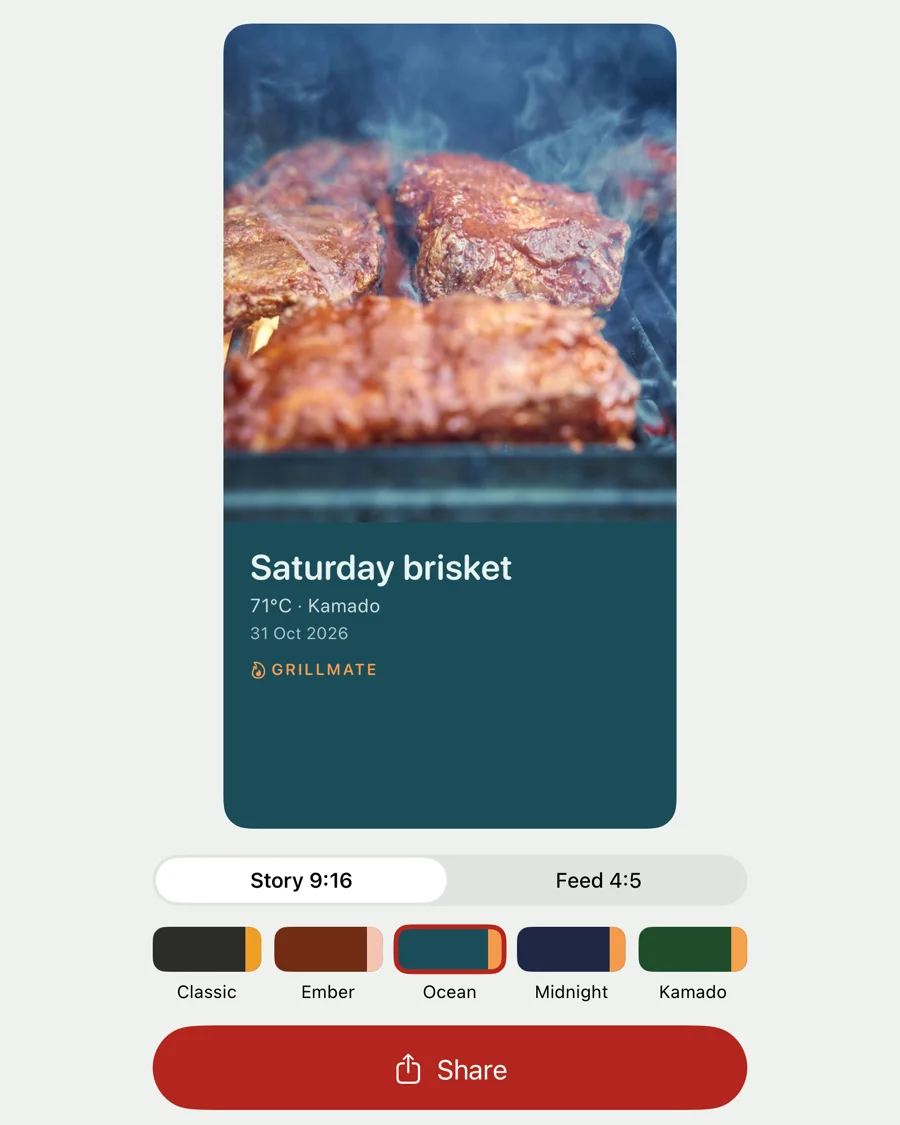
Share
Pick Story or Feed format and one of five color templates, then share it to WhatsApp, Messages or Instagram, or save the image. Every card carries a small GrillMate watermark.
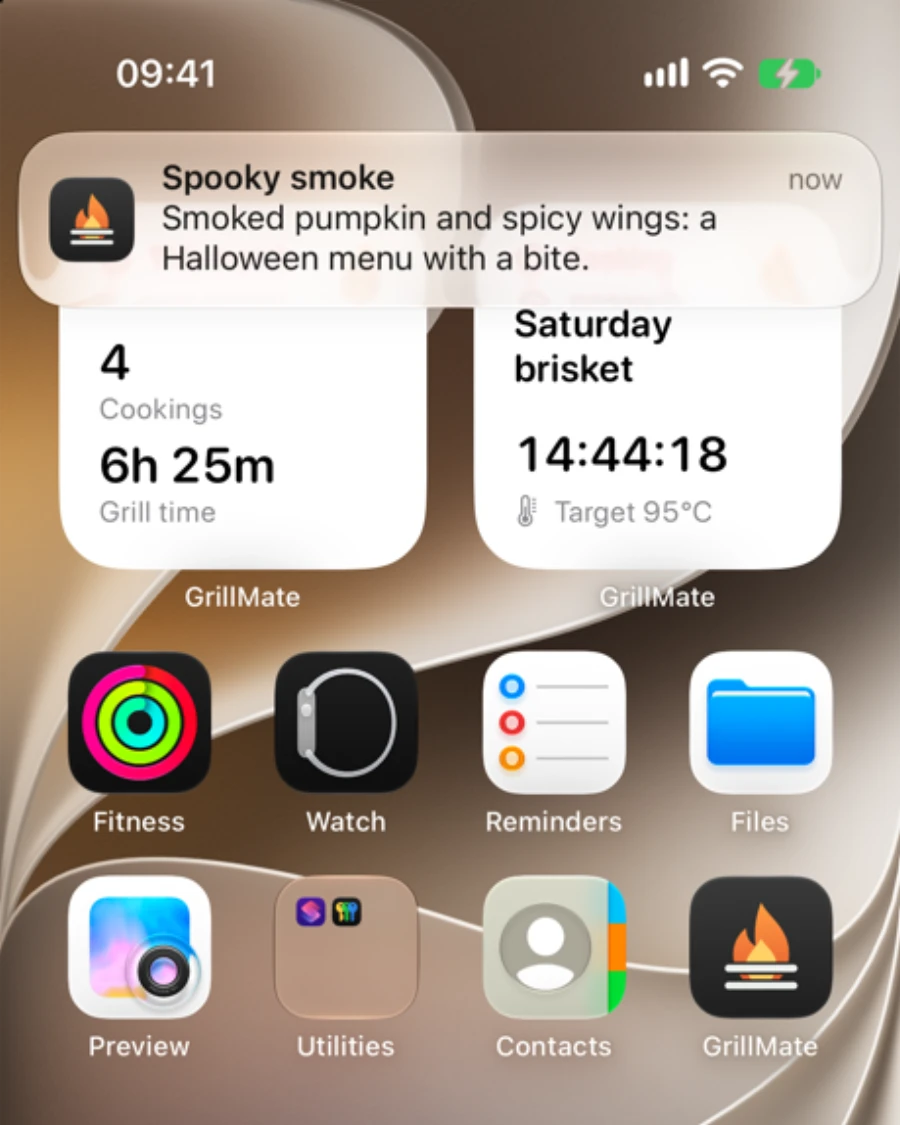
Reminders
A friendly reminder to plan your weekend cook on Thursday evening and to light the fire on Saturday morning, with a seasonal recipe idea. For a planned cook you also get one the evening before and one in the morning. Optional, in Settings.
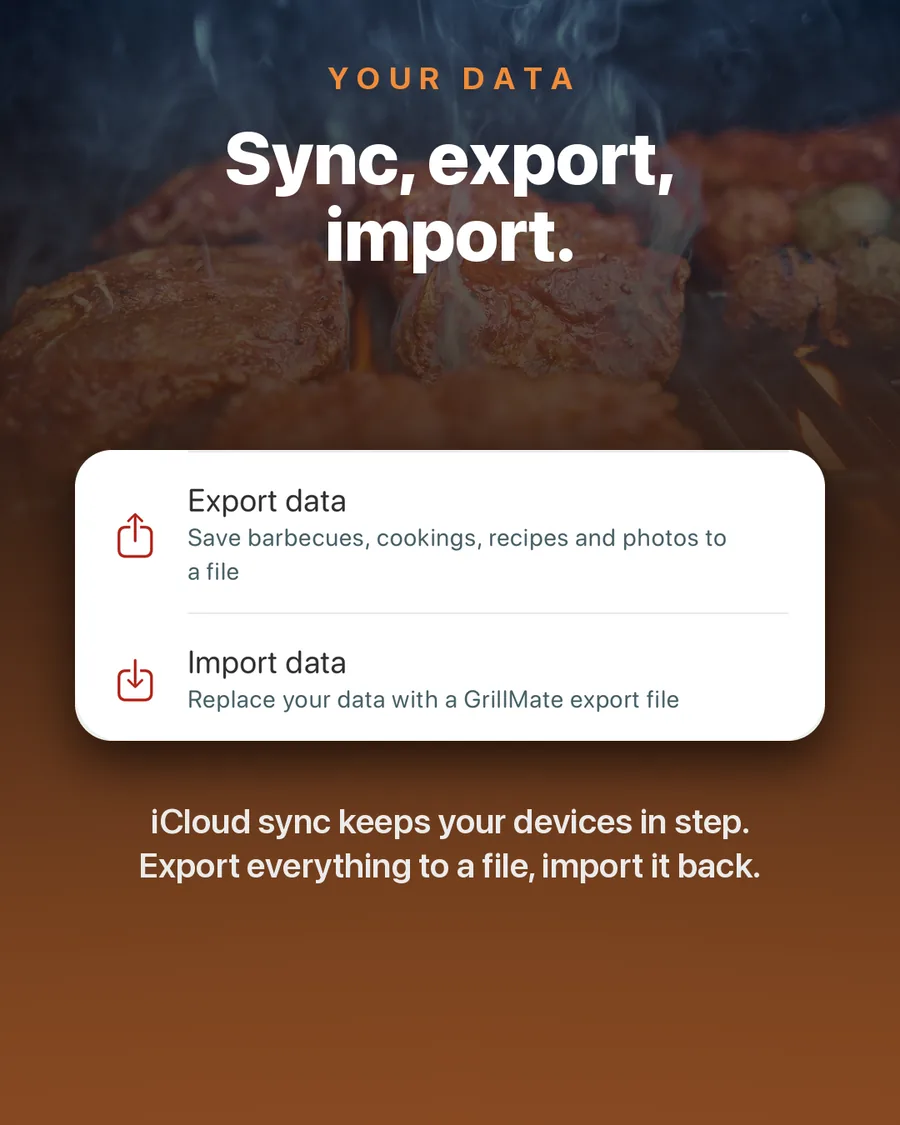
Your data
iCloud sync puts your barbecues, cookings, recipes and photos on all your iPhones, through your own private iCloud. Or save everything, photos included, to a file and bring it back on any iPhone.
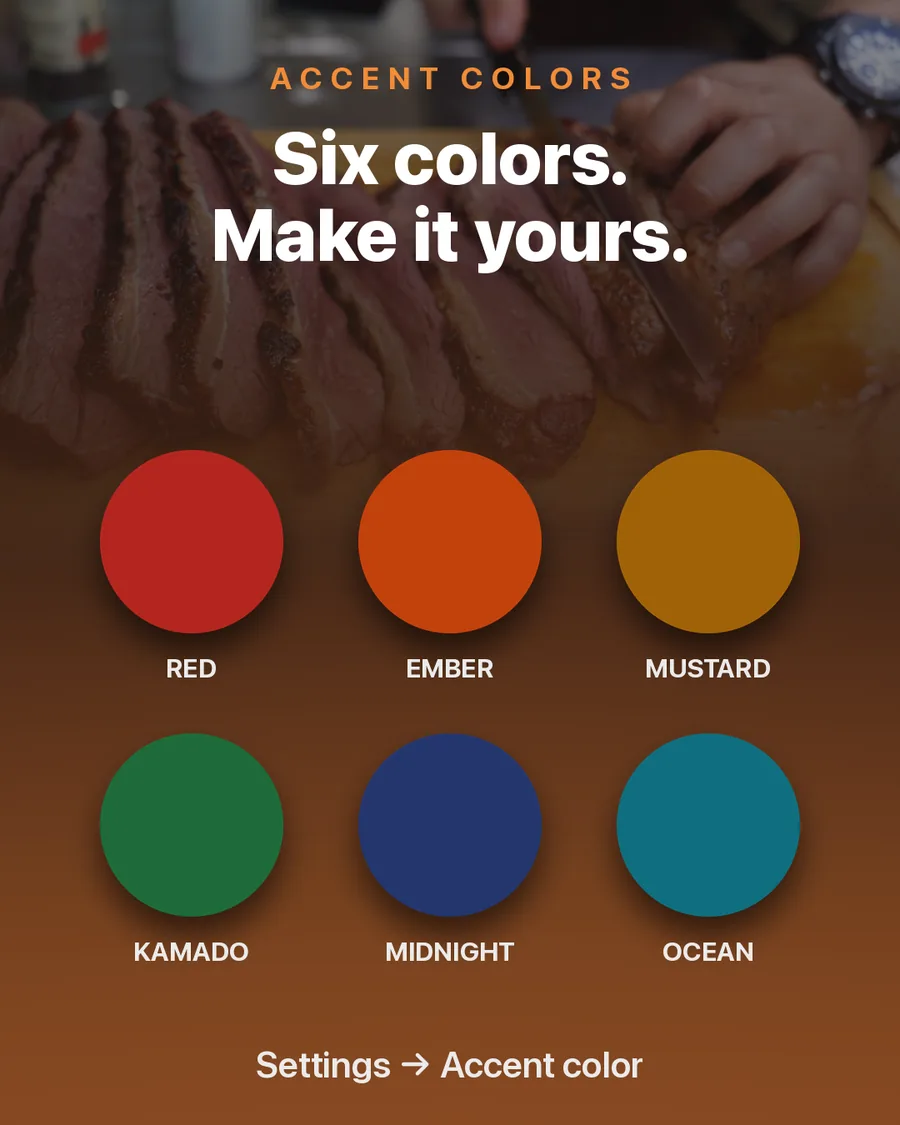
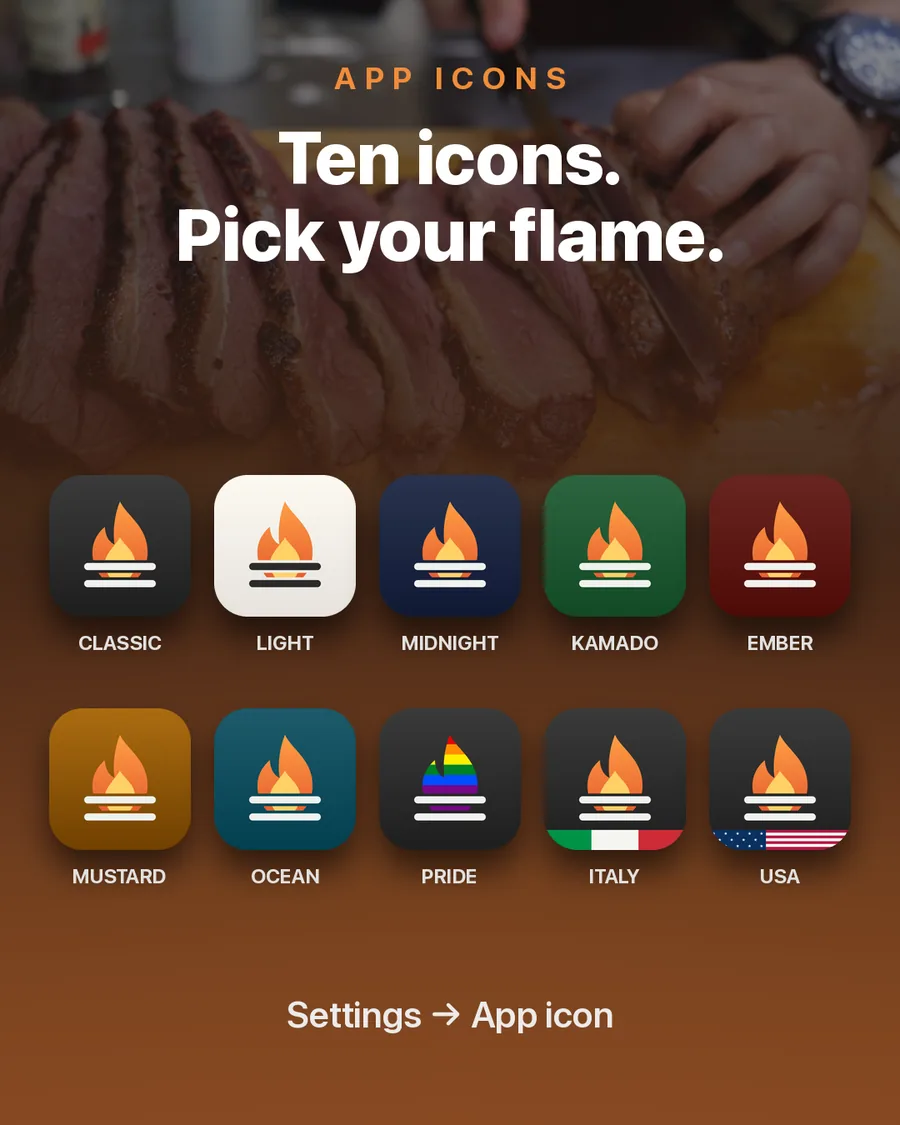
Light and dark mode, six accent colors and ten app icons, including Pride, Italy and USA.
Download GrillMate on the App Store.